Pop-ups and holiday stands, no card reader.
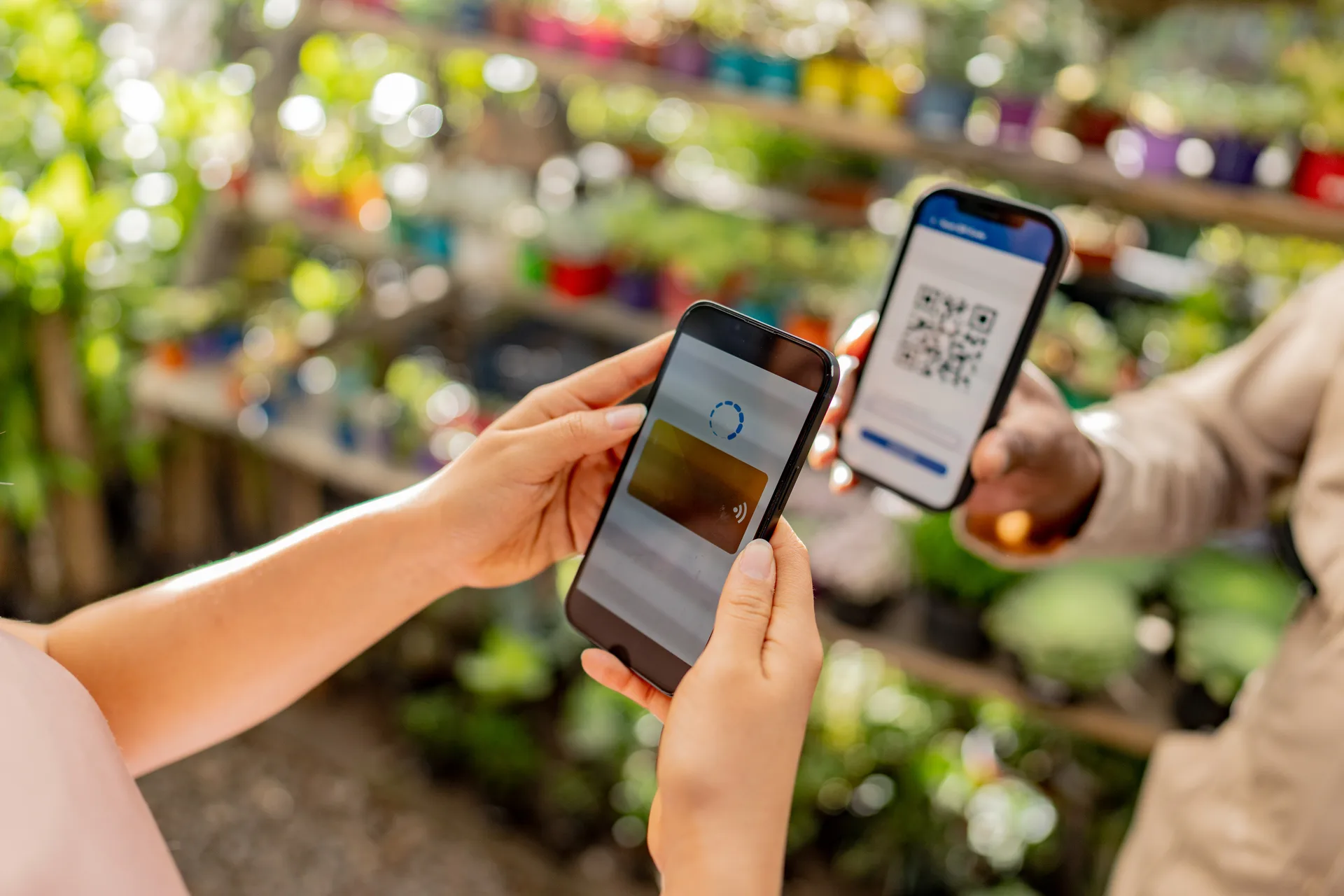
Market Mode rings up a bouquet on your phone — show a QR code, your customer pays on theirs. Holiday preorders come through the same shop with lead times, daily caps, and real pickup windows, so Valentine's fills up on your terms instead of your phone's.
No credit card to start · Free under $250 a month in sales · Keep 100% of your sales

The stand, rung up on your phone
Farmers market, holiday stand, a pop-up at the brewery. Pick the arrangement, show the checkout QR code, they pay by card, Apple Pay, or Google Pay (or Venmo, Cash App, or Zelle).
Holiday rushes, capped
Valentine's and Mother's Day are two days that decide your year. Cap each arrangement at the number you can actually build — 40 dozen-rose vases, 25 mixed bouquets — and the page stops taking orders when you hit it.
Lead times per arrangement
Wrapped stems same day. Custom bridal work with 7 days' notice. Set the lead time on each item and customers can only pick dates you can actually make.
The pop-up, no hardware.
Wrapped stems at the market, a holiday stand outside your shop — Market Mode rings it up from your phone. Your customer pays on theirs.
-
Pick their items
Open Market Mode in your dashboard and select what your customer is buying from your catalog — options and all.
-
Show the checkout QR code
Your screen shows the total and a QR code for that order. If scanning is being fussy, copy the link instead.
-
They pay on their phone
Card (or Venmo, Cash App, or Zelle). Your screen says Paid; hand over the goods.
- Stand sales and holiday preorders share one catalog, one customer list, one sales report.
- A customer who leaves an email at the stand hears about Mother's Day preorders.
- Works with the Stripe account you already connected — nothing extra to set up.
Included with every shop. Connect Stripe and it's ready for your next market.
Set up this afternoon. Live before the next holiday.
Build your catalog
Add your arrangements with photos, prices, and options — size, color palette, vase or wrapped, card message. Set each item's lead time in days and a daily cap.
Share your link
Put it in your Instagram bio, your Google Business Profile, and a QR code at the counter. Customers order and pay from any phone.
Build the list, ring up the rest
Each morning, see every arrangement due with its options spelled out. At a pop-up or stand, open Market Mode for walk-ups.
Everything a flower shop needs. Nothing it doesn't.
Market Mode
Pop-up, market, and holiday-stand sales, rung up on your phone. Pick the arrangement, show the checkout QR code, your customer pays on theirs by card, Apple Pay, or Google Pay (or Venmo, Cash App, or Zelle). No card reader, nothing to download.
Per-item lead times
Each item carries its own lead time in days. A 7-day custom piece simply can't be booked for tomorrow — the date picker never offers it, so you stop policing it by hand.
Options and card messages
Stem count, color palette, vase or hand-tied, ribbon, card message text. Customers configure it at checkout and pricing adjusts automatically. Every detail prints on the order.
Paid before you buy the flowers
Customers pay in full at checkout through Stripe, into your own Stripe account. No commission and no per-order cut — just standard Stripe processing. Apple Pay and Google Pay are on automatically. Prefer to skip cards? Turn on Venmo, Cash App, Zelle, or cash at pickup — customers pay you directly and you confirm each payment.
Simple pricing. No commissions.
Keep 100% of your sales — no commission, and your customers never pay a surcharge.
One simple fee based on what your shop sells each month. Flat fees starting at $9/mo once you're selling, and never a percentage of your sales.
| Monthly sales | Fee |
|---|---|
| Under $250 | Free |
| $250 – $750 | $9/mo |
| $750 – $2,000 | $19/mo |
| $2,000 – $5,000 | $39/mo |
| $5,000+ | $79/mo |
- Your own storefront — your web address, your branding, created by you.
- Preorders and in-person sales — pickup, drop-off, and Market Mode at your booth.
- Paid straight to you — card, Apple Pay, and Google Pay through your own Stripe, or Venmo, Cash App, Zelle, and cash.
- Customers who come back — order texts and emails, subscriptions, loyalty rewards, promo codes.
The counter resets every month — your first $250 is always free, and the fee never goes above $79 no matter how much you sell. Billed after the month ends, never before. Your customers never pay a surcharge. No contracts, cancel anytime. Order texts are included at every level — allowances are in the terms.
Questions from flower shop owners
Your stand and your holiday, in one shop.
Set up this afternoon. Free to start, no credit card required.
Start for free