Sell at the market with nothing but your phone.
Market Mode rings up booth sales — show a QR code, your customer pays on their phone. Between markets, your own ordering page takes preorders from your kitchen, with pickup spots you name and card payments built in. No website to build, no reader to buy, no commission.
No credit card to start · Free under $250 a month in sales · Keep 100% of your sales

The booth, rung up on your phone
Pick the customer's items, show the checkout QR code, they pay by card, Apple Pay, or Google Pay (or Venmo, Cash App, or Zelle). No card reader, no app — just the phone you already carry.
No commission on orders
We take no cut of any order and your customers never pay a surcharge. You pay one flat monthly fee based on your sales — $0 under $250 — plus Stripe's standard processing, and the money goes into your own Stripe account.
Start small, free
Most home bakers start with a short list: cookies, a loaf, a seasonal special. List as many items as you like — there are no catalog limits, no credit card required, and no time limit on the free level.
Your first market, no card reader.
Market Mode rings up the table from your phone. Your customer pays on theirs — and you didn't spend a dime on hardware.
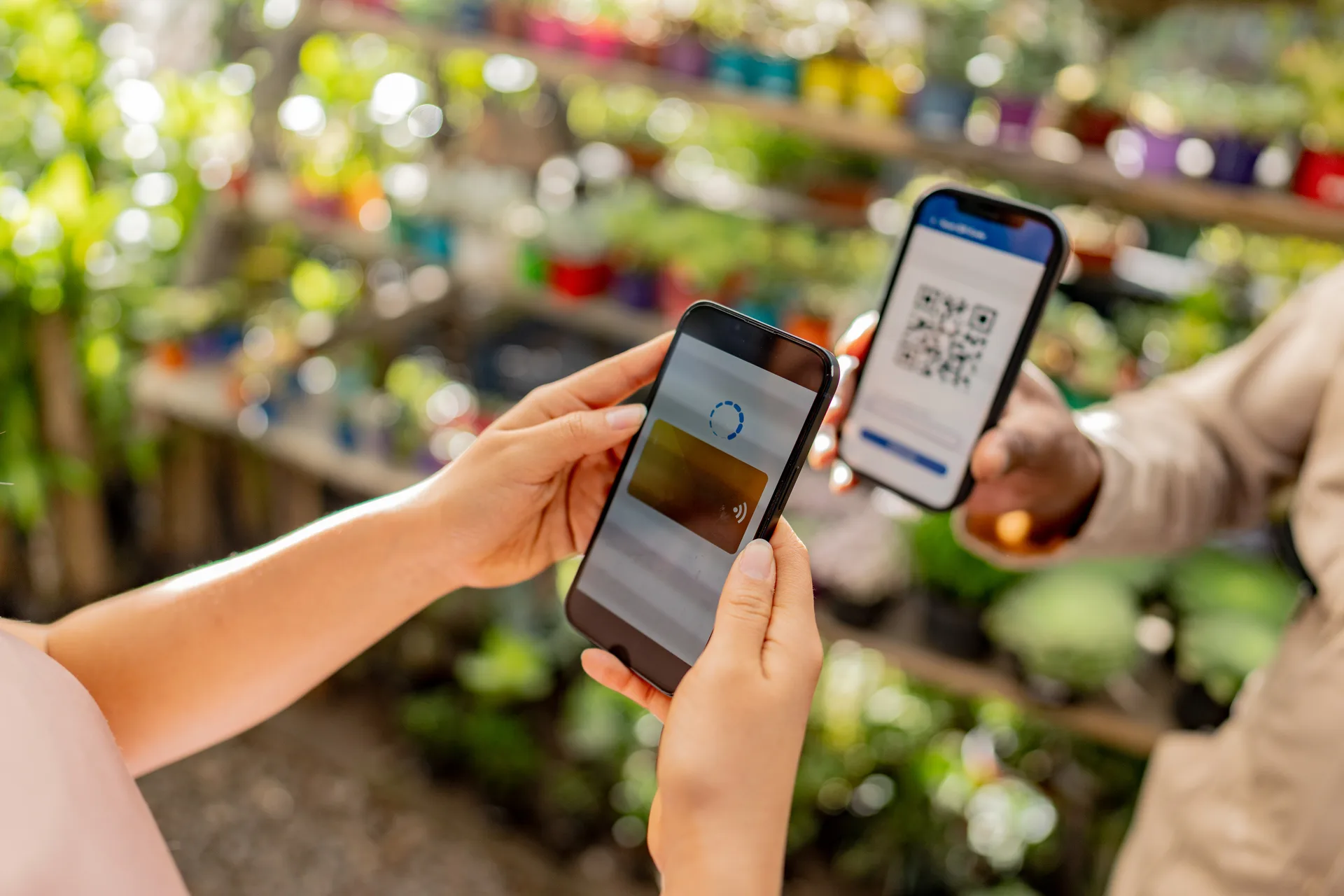
-
Pick their items
Open Market Mode in your dashboard and select what your customer is buying from your catalog — options and all.
-
Show the checkout QR code
Your screen shows the total and a QR code for that order. If scanning is being fussy, copy the link instead.
-
They pay on their phone
Card (or Venmo, Cash App, or Zelle). Your screen says Paid; hand over the goods.
- Booth sales and preorders share one catalog, one customer list, one sales report.
- A customer who leaves an email at your booth can preorder for next week.
- Works with the Stripe account you connect when you're ready — nothing extra to set up.
Included with every shop. Connect Stripe and it's ready for your next market.
Taking orders this afternoon.
Add what you make
Photos, prices, and options like flavor, size, or box count. Set a lead time in days on anything you need notice for and a daily cap on what one oven can handle.
Set a pickup spot
Name the spot and set its hours. The street address field is optional, so you can list a spot by name and share exact directions with confirmed customers.
Share your link, and take it to the market
Post it where you already sell — a Facebook group, Instagram, your neighborhood app. At your booth, open Market Mode for walk-ups. Bake against a list instead of a comment thread.
Everything a home baker needs. Nothing they don't.
Market Mode
Market and pop-up sales, rung up on your phone. Pick the items, show the checkout QR code, your customer pays on theirs by card, Apple Pay, or Google Pay (or Venmo, Cash App, or Zelle). No card reader, nothing to download.
Your own web address
Every shop gets an address like yourshop.getorderlocal.com, included free. It looks like a real business, works on any phone, and there is no website to design or host.
Get paid before you bake
Customers pay in full at checkout through Stripe, into your own Stripe account. No more chasing someone who changed their mind. Apple Pay and Google Pay are on automatically. Prefer to skip cards? Turn on Venmo, Cash App, Zelle, or cash at pickup — customers pay you directly and you confirm each payment.
You stay in charge of the rules
Cottage food rules — what you may sell, where you may sell it, labeling, and sales limits — vary by state and are set by your state's cottage food program. Order Local is ordering software, not legal advice, and doesn't verify eligibility. Check your state's program first.
Simple pricing. No commissions.
Keep 100% of your sales — no commission, and your customers never pay a surcharge.
One simple fee based on what your shop sells each month. Flat fees starting at $9/mo once you're selling, and never a percentage of your sales.
| Monthly sales | Fee |
|---|---|
| Under $250 | Free |
| $250 – $750 | $9/mo |
| $750 – $2,000 | $19/mo |
| $2,000 – $5,000 | $39/mo |
| $5,000+ | $79/mo |
- Your own storefront — your web address, your branding, created by you.
- Preorders and in-person sales — pickup, drop-off, and Market Mode at your booth.
- Paid straight to you — card, Apple Pay, and Google Pay through your own Stripe, or Venmo, Cash App, Zelle, and cash.
- Customers who come back — order texts and emails, subscriptions, loyalty rewards, promo codes.
The counter resets every month — your first $250 is always free, and the fee never goes above $79 no matter how much you sell. Billed after the month ends, never before. Your customers never pay a surcharge. No contracts, cancel anytime. Order texts are included at every level — allowances are in the terms.
Questions from home bakers and cottage food sellers
Comparing tools?
- Castiron alternative Lost your ordering page when Castiron shut down? Order Local does the same job, commission-free.
- Order Local vs Bakesy Weighing a baker-specific tool? Compare Bakesy's monthly plans against Order Local's sales-based fee.
- Order Local vs Hotplate Selling by drop from home? See how a per-order fee compares with a flat monthly fee.
Your kitchen and your booth, open for orders.
Set up this afternoon. Free to start, no credit card required.
Start for free